Personalizing the Websites We Visit with AI and Userscripts 🌐⚡
How can we improve our browser experience with Tampermonkey and AI while staying safe and following the rules?
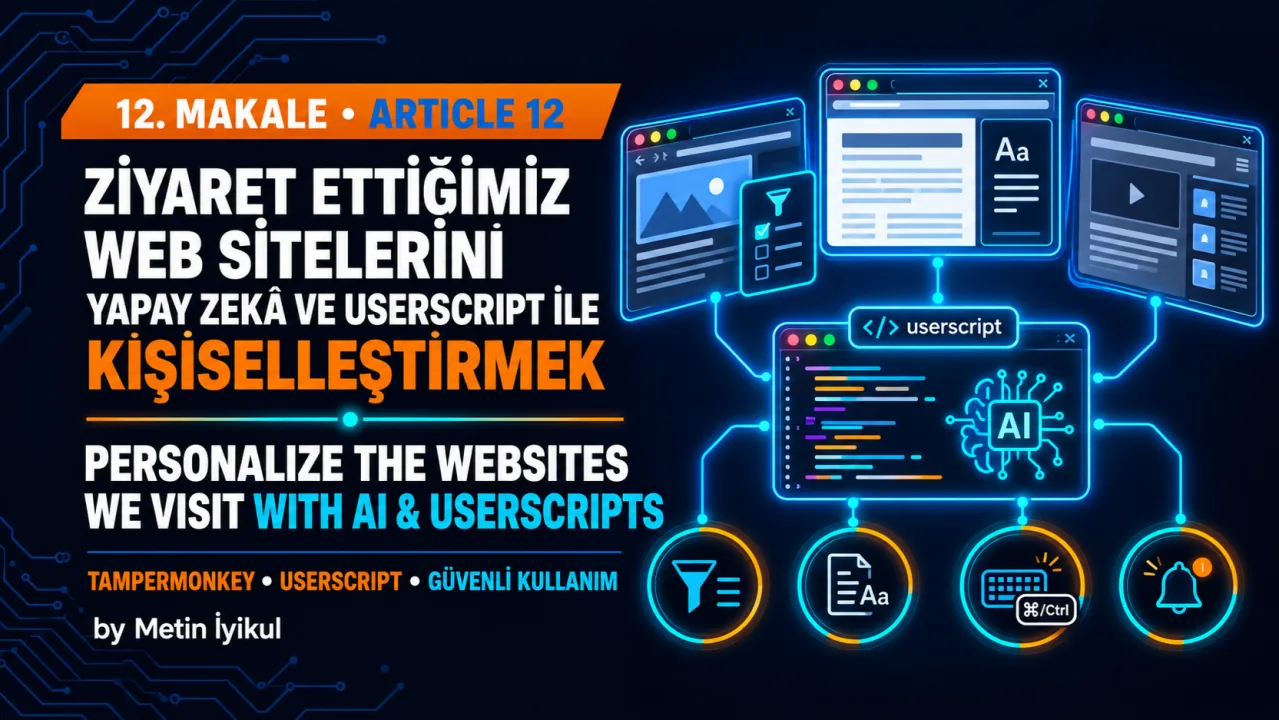
In article 10 of this LinkedIn series, we paused to review nine lessons. The journey started with a simple button that turned proforma invoices into bank instructions. It later covered decision support systems and autonomous tools.
One idea stayed the same: AI is useful when a person understands the process and uses the right tool. In article 12, we focus on a tool we use every day: the web browser.
📉 Why Websites Do Not Fit Every User
We use many websites for work, shopping, public services, and entertainment. These sites are built for many different users, so they do not always include the filters, shortcuts, or display options we need.
Companies also have their own priorities, budgets, and technical limits. As a result, some useful features may be missing.
We may scroll through long pages, repeat the same clicks, or enter the same information many times. Small browser improvements can reduce this work.
🔍 Five Common Examples
Here are five situations where a small, permitted browser change may help:
🛒 1. Shopping Sites (Better Filters and Unit Prices): A store may not offer an in-stock filter or unit-price sorting. A local script can hide sold-out products or calculate price per kilogram when the required information is already visible on the page.
⚡ 2. Limited Stock and Appointments (Alerts and Careful Refreshing): A tool may check at reasonable intervals and alert the user when the page changes. It must not buy items or book appointments automatically. It must not bypass CAPTCHA, queues, rate limits, or limits per person.
📝 3. Repeated Forms (Controlled Autofill): A script may prepare a draft for fields you are allowed to complete. Do not store identity, banking, health, tax, customer, or other sensitive data in the code. Always review official and financial forms before submitting them.
🎮 4. Web Games (Shortcuts and Accessibility): If the platform allows it, a script may improve text size, colors, zoom, or keyboard shortcuts. Do not use auto-clickers, automatic resource collection, or bots that give an unfair advantage.
📊 5. Daily Work (Tables, Reading Views, and Video Speed): A script may export data that you are allowed to access and use. It may also improve reading mode, dark mode, or permitted playback controls. Do not collect personal data, paid content, or restricted records without permission.
🧩 What Are Userscripts and Tampermonkey?
A modern browser runs the HTML, CSS, and JavaScript that build a webpage on your device.
Tools such as Tampermonkey, Violentmonkey, and Greasemonkey can run small JavaScript files on selected websites. These files are called userscripts. Depending on their permissions, they can read page data or change how the page looks.
A userscript can add a local button, filter, or keyboard shortcut. It changes your browser view. It does not change your permission on the website or remove the website's rules.
🤖 Create a Userscript Draft with AI
Writing a userscript may require knowledge of page structure, CSS selectors, dynamic content, and browser permissions.
AI can make the first draft easier. However, AI does not replace a security review. Do not run code on a sensitive page unless you understand what it does.
You can describe your goal in simple language and share only the class or ID of the target element. Do not send page content, screenshots, session details, personal data, or company information to the AI.
Treat the result as a draft. Test it first on a page with no sensitive data. Check that it does not send network requests, store private data, or perform an automatic transaction.
🛠️ Five Steps from Idea to Safe Script
1. Define One Goal: Use a clear goal such as 'Alert me when the stock label changes', 'Prepare a draft for these fields', or 'Export this permitted table to CSV.'
2. Inspect the Target Element: Use the browser's Inspect tool and copy only the class or ID you need. Do not copy tokens, private data, or page content.
3. State the Safety Limits: Give the target address and the requested visual change. Tell the AI not to send network requests, store sensitive data, buy items, book appointments, or bypass access controls.
4. Review the Code Before Saving: Check which websites the script can access and which permissions it requests. Do not run code with permissions you do not understand.
5. Test on a Safe Page: Start on a page with no sensitive data. Before sharing an error message, remove tokens, URL parameters, personal data, and company information.
📋 Simple AI Prompt Example
"Write a Tampermonkey userscript draft that runs only on ' https://example-shop.com/products/* '. Hide product cards with the class 'out-of-stock'. If the price and weight are already shown, calculate the price per kilogram and display it under the product name. Use MutationObserver for new products. Do not send network requests, store data, buy anything, or bypass access controls. Use the smallest possible permissions and explain the code with clear comments."
⚠️ Safety, Reliability, and Rules
Userscripts are useful, but they need clear limits:
🔒 Security and Privacy: Limit the websites and permissions used by the script. Check external libraries, network access, and update links. Never put passwords, card details, identity data, bank details, customer data, or session tokens in the code or browser storage. Do not use unapproved scripts on banking, payment, government, or company systems.
🧩 Page Changes: Websites may change their layout and class names. A script may stop working or select the wrong element. Test it again after every website change, and never allow it to approve a critical action automatically.
⚖️ Permitted and Fair Use: Follow the website's terms, company policies, rate limits, and access permissions. Use scripts for personal readability, accessibility, and permitted local tasks. Do not collect other people's data or place unnecessary load on a server.
⛔ Do Not Use Scripts To: bypass CAPTCHA or login controls; buy items or book appointments automatically; gain an unfair place in ticket or stock queues; use game bots; access paid or restricted content without permission; collect data without permission; send high-frequency requests; or complete a critical action without the user's approval.
⚖️ Legal Risk in Türkiye: These actions may be crimes in Türkiye. Article 243 covers unlawful access. Article 244 covers blocking or damaging systems and changing data. Articles 135 and 136 cover the unlawful recording or obtaining of personal data. Acts involving banks or public systems may have more serious results. Saying 'AI wrote the code' is not a defence.
🎯 Practical Takeaway
Userscripts can improve the local browser experience when we follow the platform's rules and stay within our access rights.
AI can draft the code, but the user must review it, test it safely, and remain in control.
What safe and permitted improvement would help you most: better filters, a clearer view, a change alert, or a controlled form draft? Share your idea in the comments.